


Find a rota template for your restaurantcaféwebshopbakeryshop
Below, we've gathered templates and examples of different rotas for various industries. Find templates for restaurants, cafés, bars, webshops and warehouses, bakeries, shops, and more.
Example of a template for a restaurant
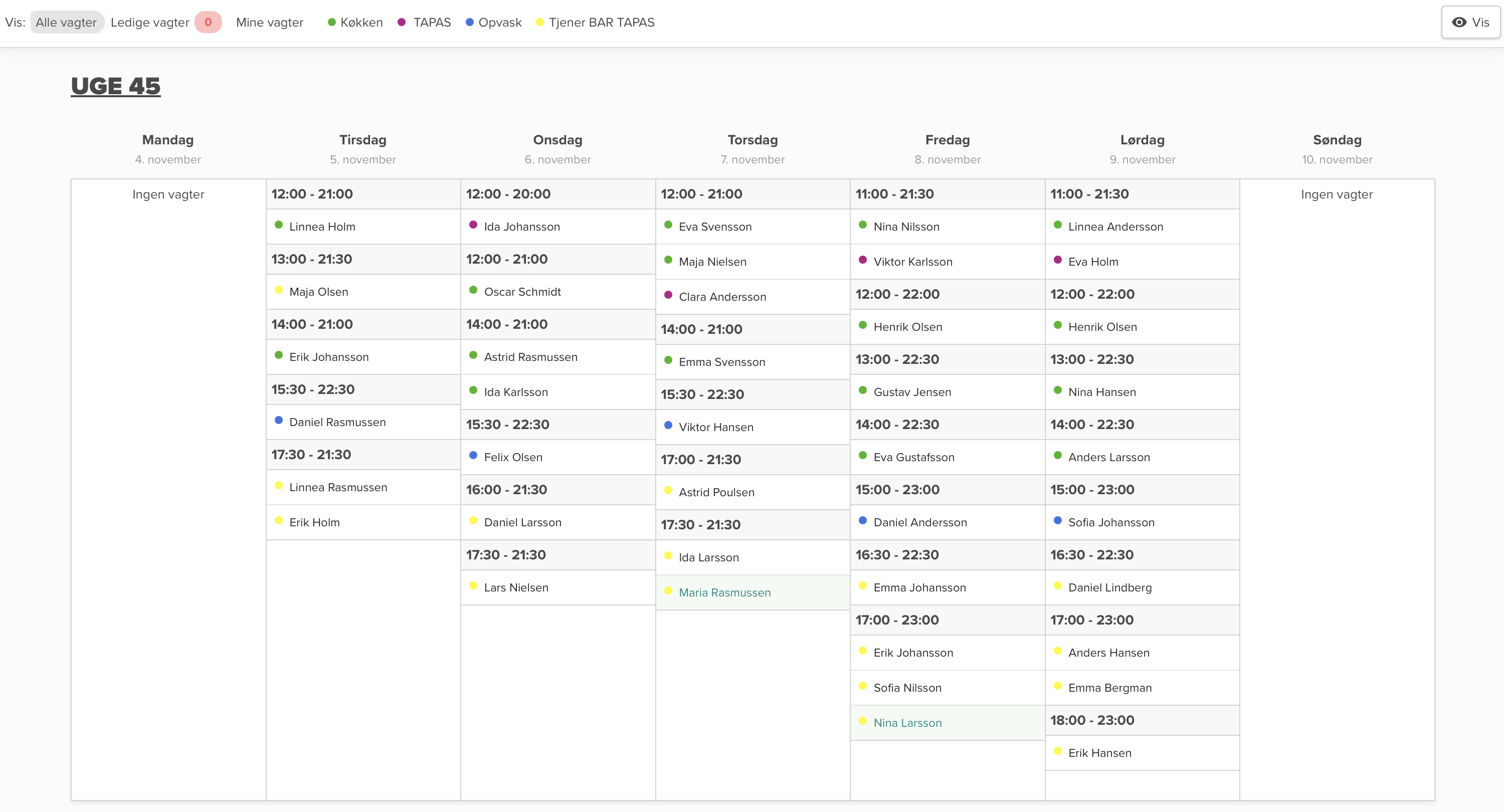
Here is the rota for week 45 in the restaurant. The shifts are divided between kitchen (green), TAPAS (pink), waiter (blue), and BAR TAPAS (yellow). The restaurant has the most shifts at weekends, with opening hours from lunch to late evening.
Example of a template for a café and coffee shop
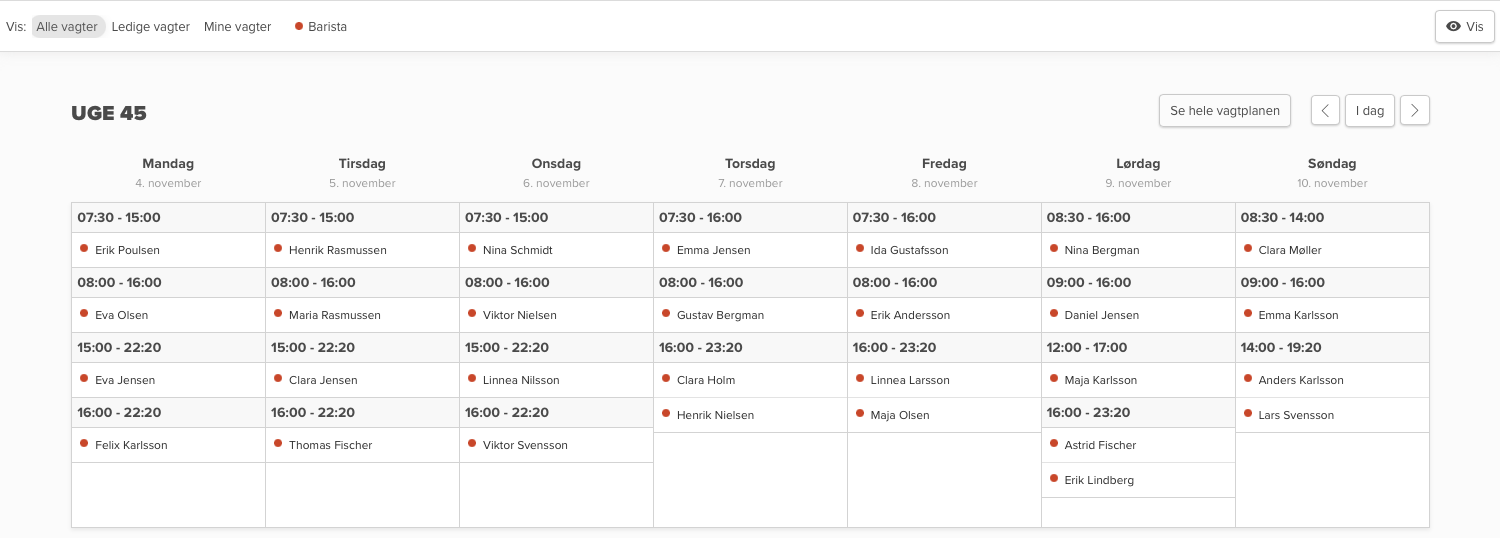
Here is the rota for week 45 for baristas in the café. The shifts are marked in red and divided between morning, day, and evening shifts. There are the most shifts at weekends, where the café has both early and late shifts from 8:30 to 23:20.
Example of a template for a warehouse / webshop
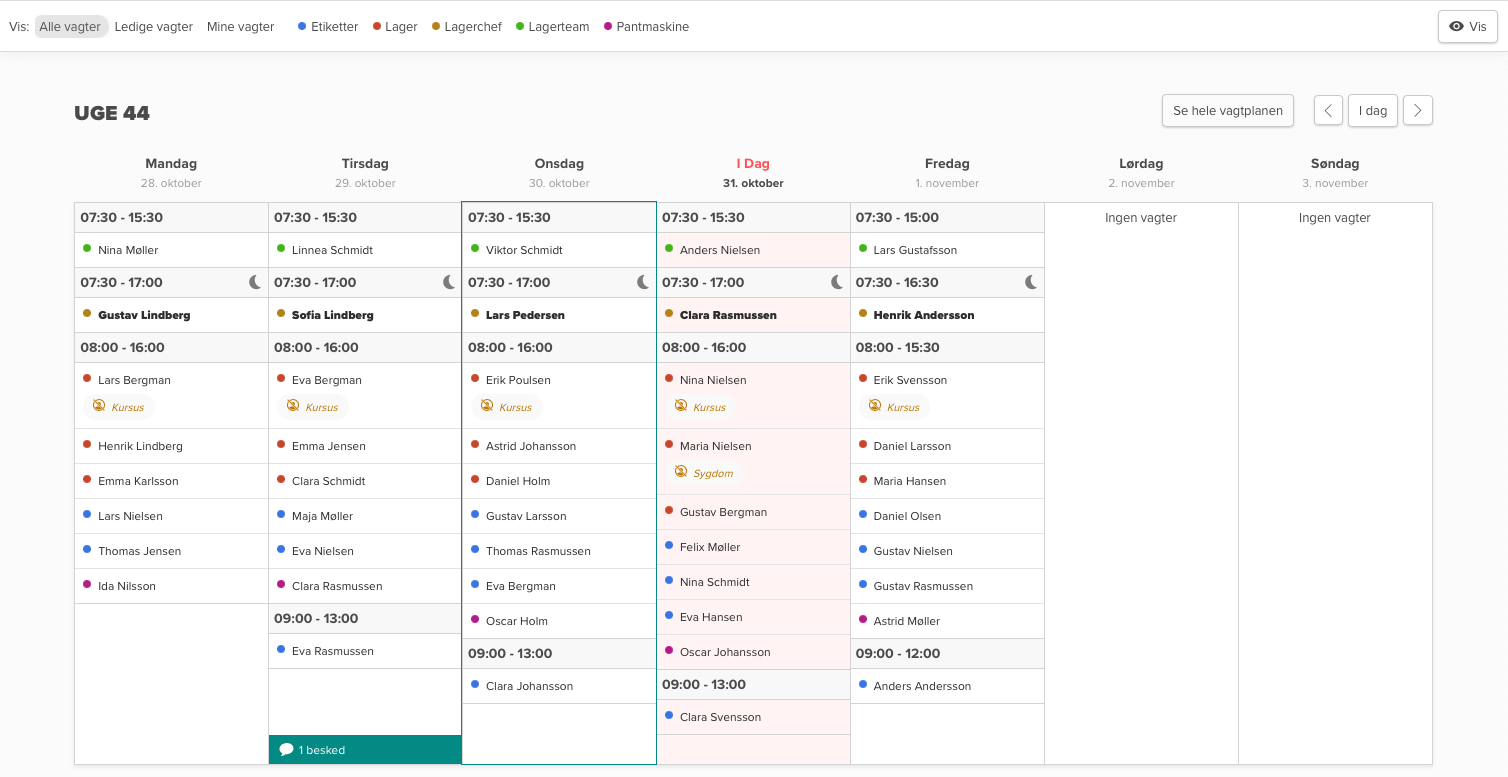
Here is the rota for week 44 in the warehouse department. The shifts are divided between different roles: Labels (blue), Warehouse (red), Warehouse Manager (yellow), Warehouse Team (green), and Bottle Return Machine (pink). The week has normal working days Monday to Friday, with no shifts at weekends.
Example of a template for a bakery
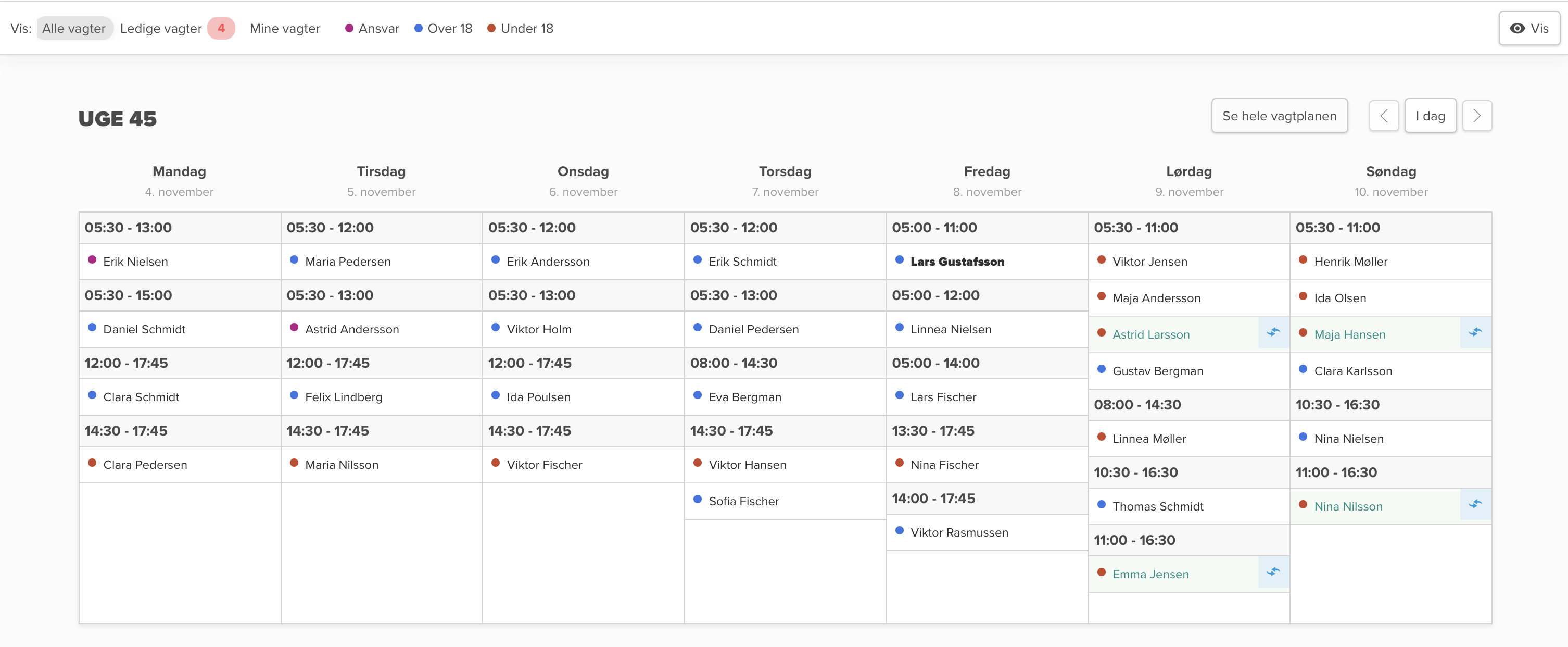
Here is the rota for week 45 in the bakery. The shifts are marked with supervisor (pink), over 18 (blue), and under 18 (red). There are early morning shifts from 05:30 and afternoon shifts until 17:45. The weekend has several short shifts spread throughout the day.
Example of a template for a shop / retail
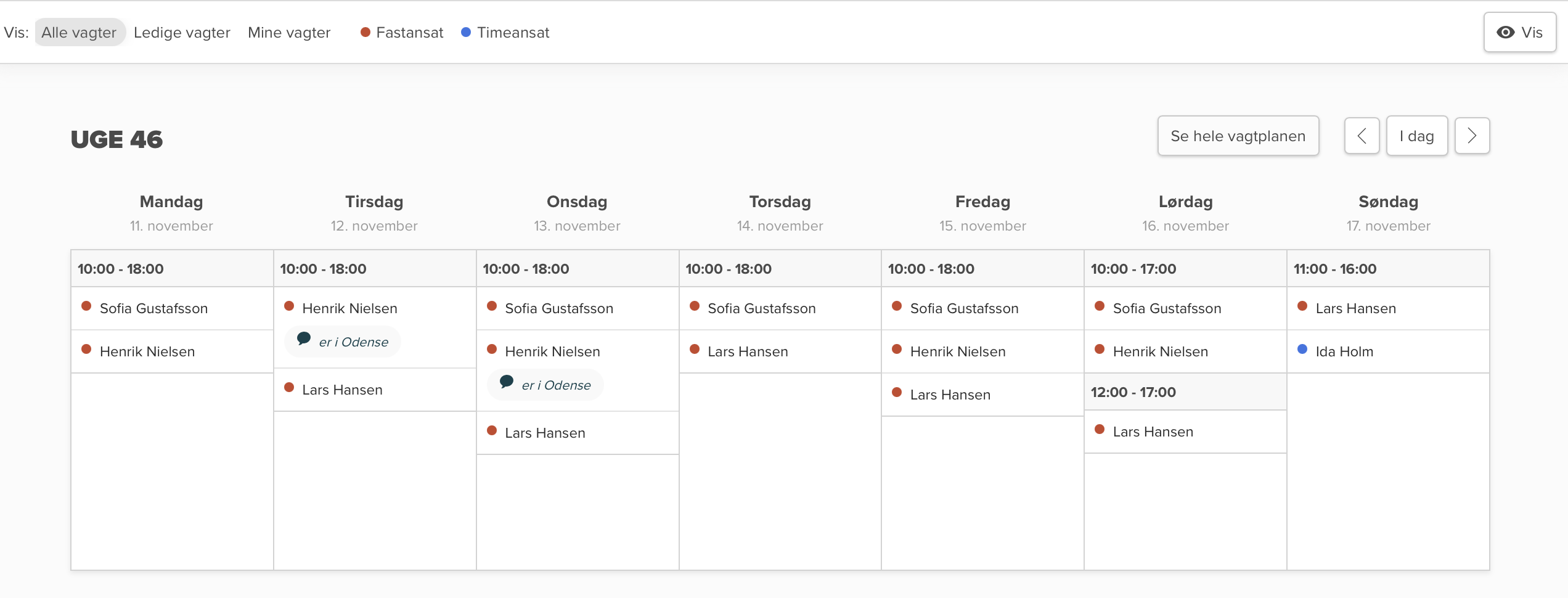
Here is the rota for week 46 in a smaller shop. The shifts are divided between full-time employees (red) and hourly workers (blue). The shop is open from 10-18 on weekdays with shorter opening hours at weekends, with slightly reduced staffing on Sundays.
Use Smartplan instead of Excel: Here's how you can create your rota based on a template
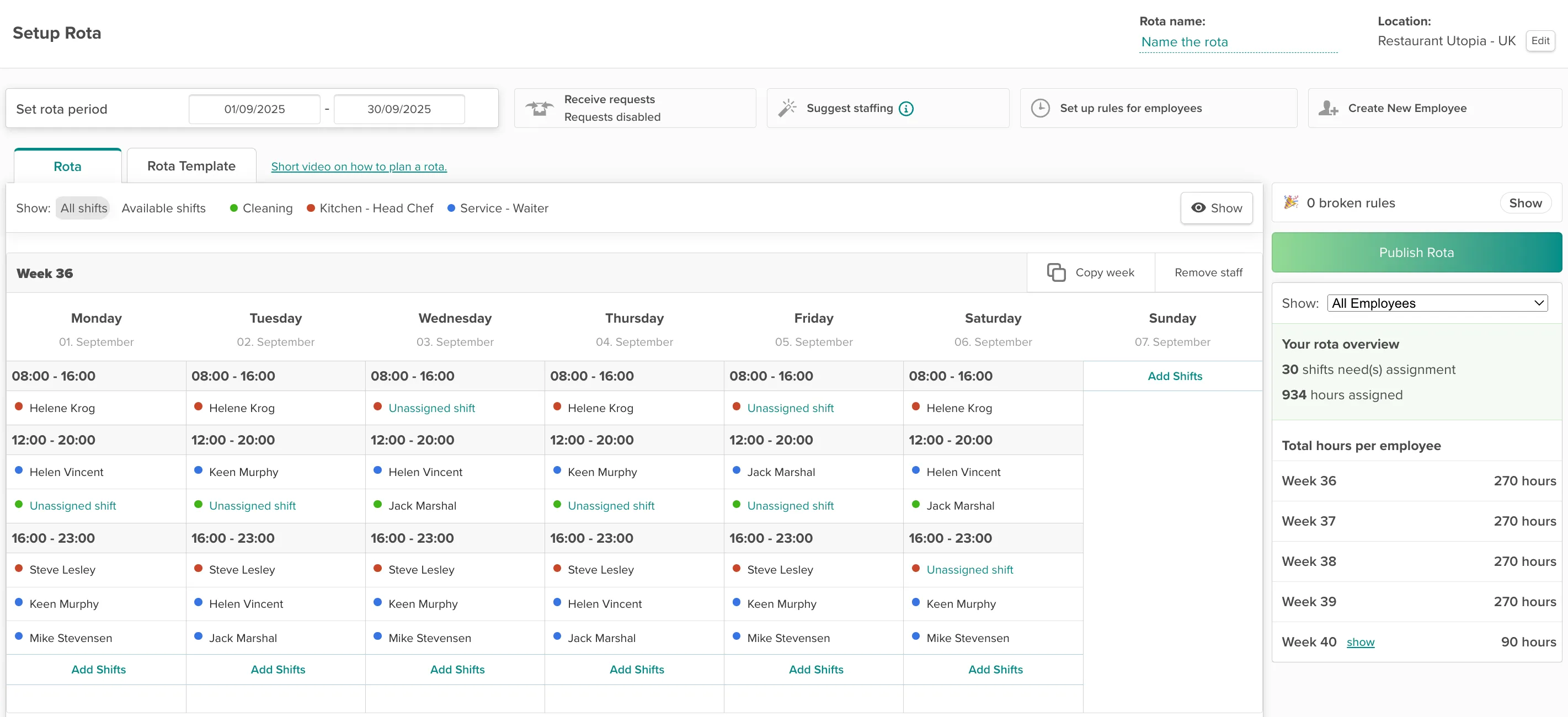
When you use a template, it can save you time. If your shift times or staffing needs repeat from week to week, you have the option to use a template. During setup, you have an overview of hour distribution, so you always have control of resource usage.
How to staff your template
If your staffing repeats in rotation, you can add multiple weeks to your template. During staffing, Smartplan helps you ensure your employees get their wishes fulfilled, while also making sure you don't create conflicts. You save time with an easy copy functionality, while maintaining an overview of hours and unstaffed shifts.
Copy functionality
Add another week
Updated hour overview
"I save oceans of time on shift planning, and my employees find the website easy and clear to use. The service is especially top-notch."

Marie Kjerstine Lindholdt Knudsen
/
Restaurant Manager
Det Japanske Taarn - Tivoli