


Automatic planning- Create your rota with one click
Tired of spending hours making your schedule work? Let Smartplan do the heavy lifting. Our intelligent assistant considers all rules, preferences and staffing needs - and finds the best solution in seconds.
See how automatic scheduling works
In under 3 minutes, we'll show you how the Smartplan Assistant can save you hours of work every week.
Automatic scheduling in these simple steps:
Set up your staffing needs
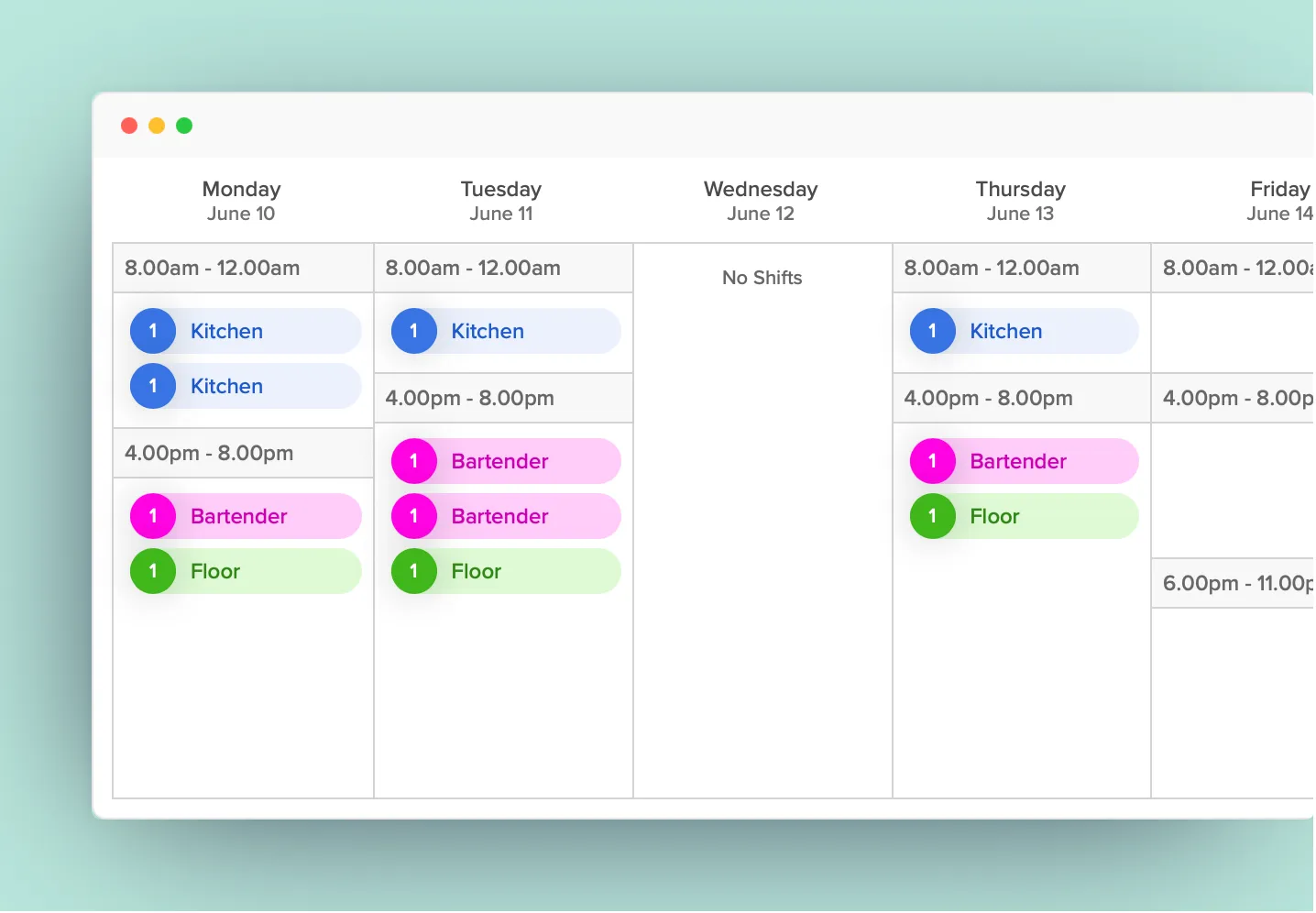
For the Smartplan Assistant to create your schedule, you need to tell it what you need. Define how many shifts you need at different times.
In the image, you can see that on Monday, we need two kitchen shifts from 8am to 12pm and one bartender and one server from 4pm to 8pm.
Set up scheduling rules
Your employees often have different contracted hours. And there are days when some simply cannot take shifts. You decide how the automatic scheduling should behave and which rules it must follow:
Receive preferences from your employees
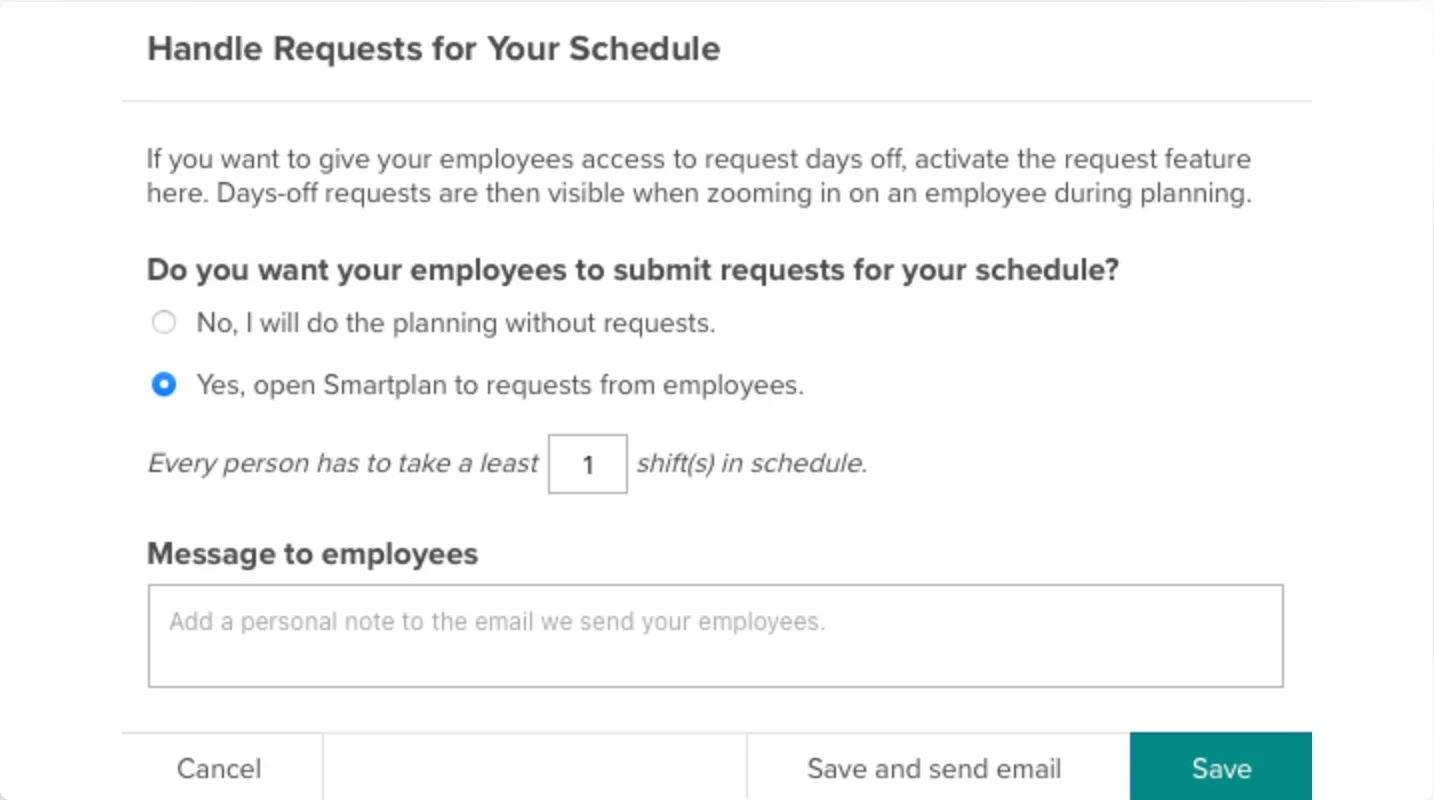
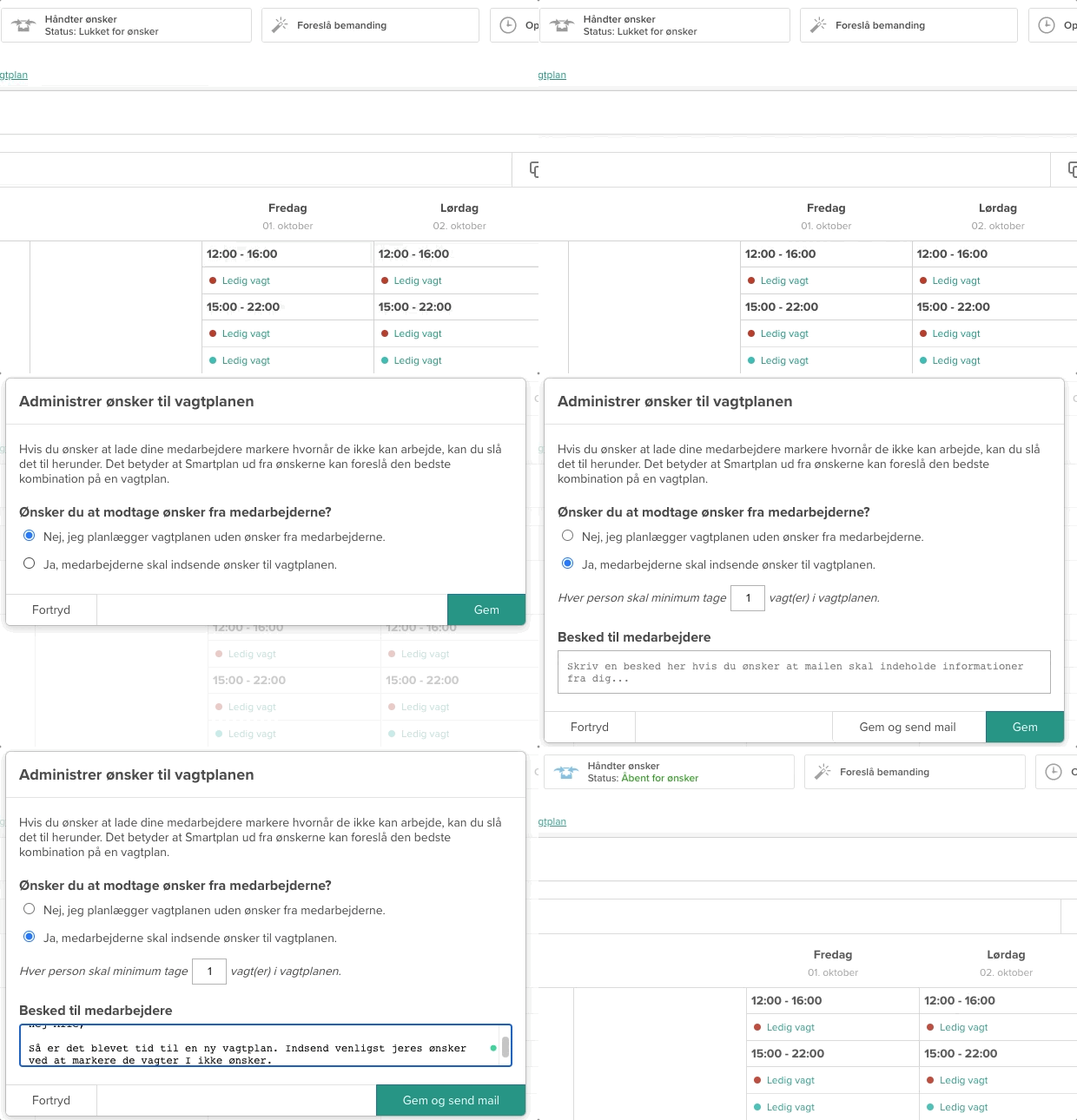
You can choose to open your schedule for preferences. Let employees mark which times they prefer not to work. Smartplan can then fulfil as many preferences as possible.
The advantage is a more realistic schedule. As a manager, you ensure employees can actually work the shifts you assign, avoiding excessive shift swaps or cancellations when the schedule is released.
Create the schedule with one click
The Assistant can handle everything automatically by suggesting staffing based on your needs, preferences and rules. The Assistant reviews thousands of solutions until it finds the schedule that best fits your specific needs and fulfils the most rules and preferences.
Plan some yourself and let us do the rest
If there are employees you want to prioritise or schedule yourself, you can do so and then let Smartplan complete the rest of the staffing for you.
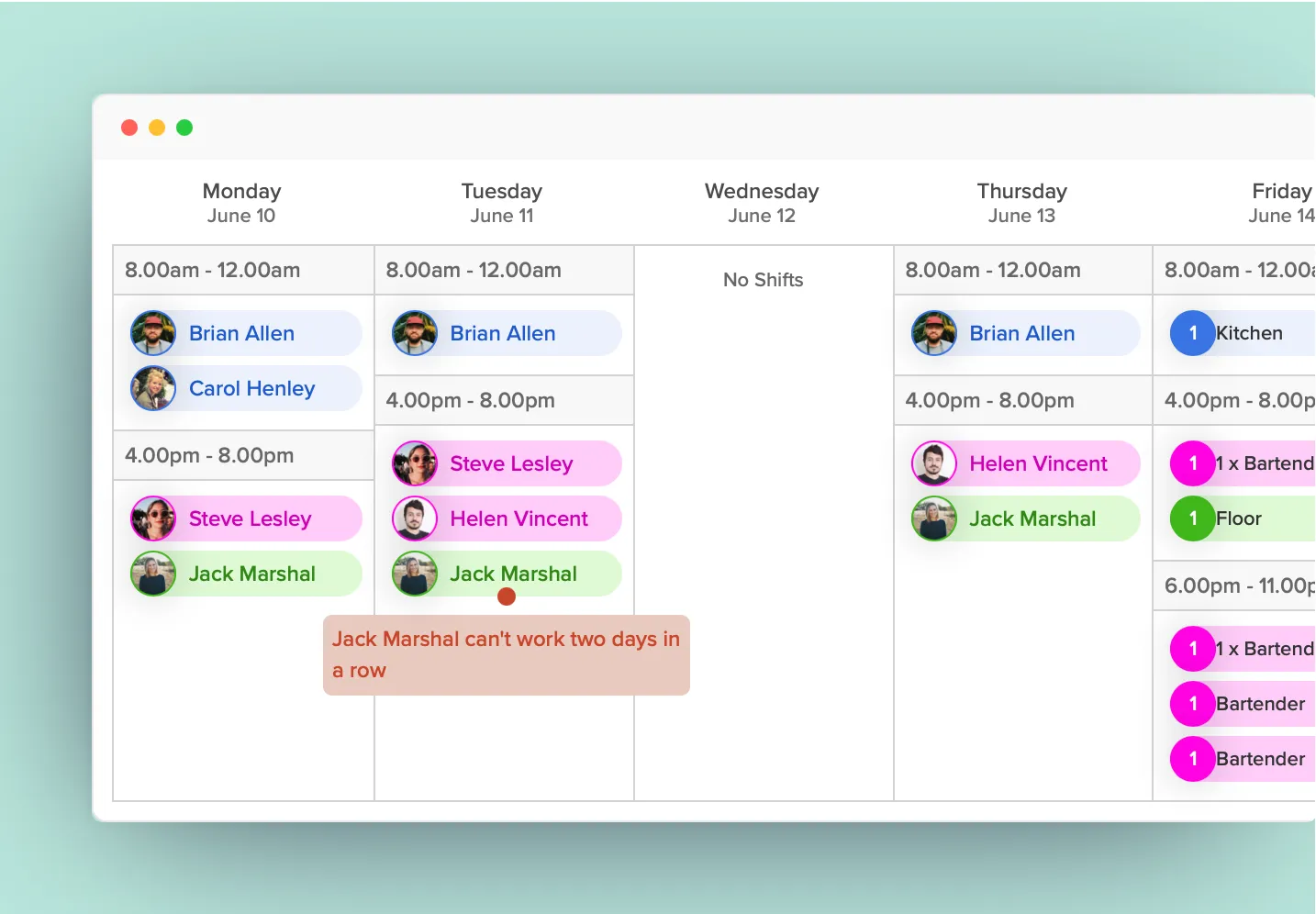
Adjust staffing and publish to employees
Whether you create the schedule automatically or manually, the Assistant continuously monitors that your rules are being followed. This makes it easier for you to create the best possible schedule without overlooking important things. Once you've made your adjustments, the schedule is published to your employees and becomes visible on Web, App and calendar.
Ready to save time on scheduling?
Sign up free and experience how easy automatic scheduling can be. Get started in under 2 minutes.

"We use and are extremely happy with the 'Suggest Staffing' feature in Smartplan. It's a huge help, and since we use 'Handle Preferences' from employees who have shifts, everyone feels accommodated. It works brilliantly."

Kasper Bøgh Pedersen
/
DTU Library
Read more about why Smartplan is right for you: